dokkument
command-line documentation manager
// overview
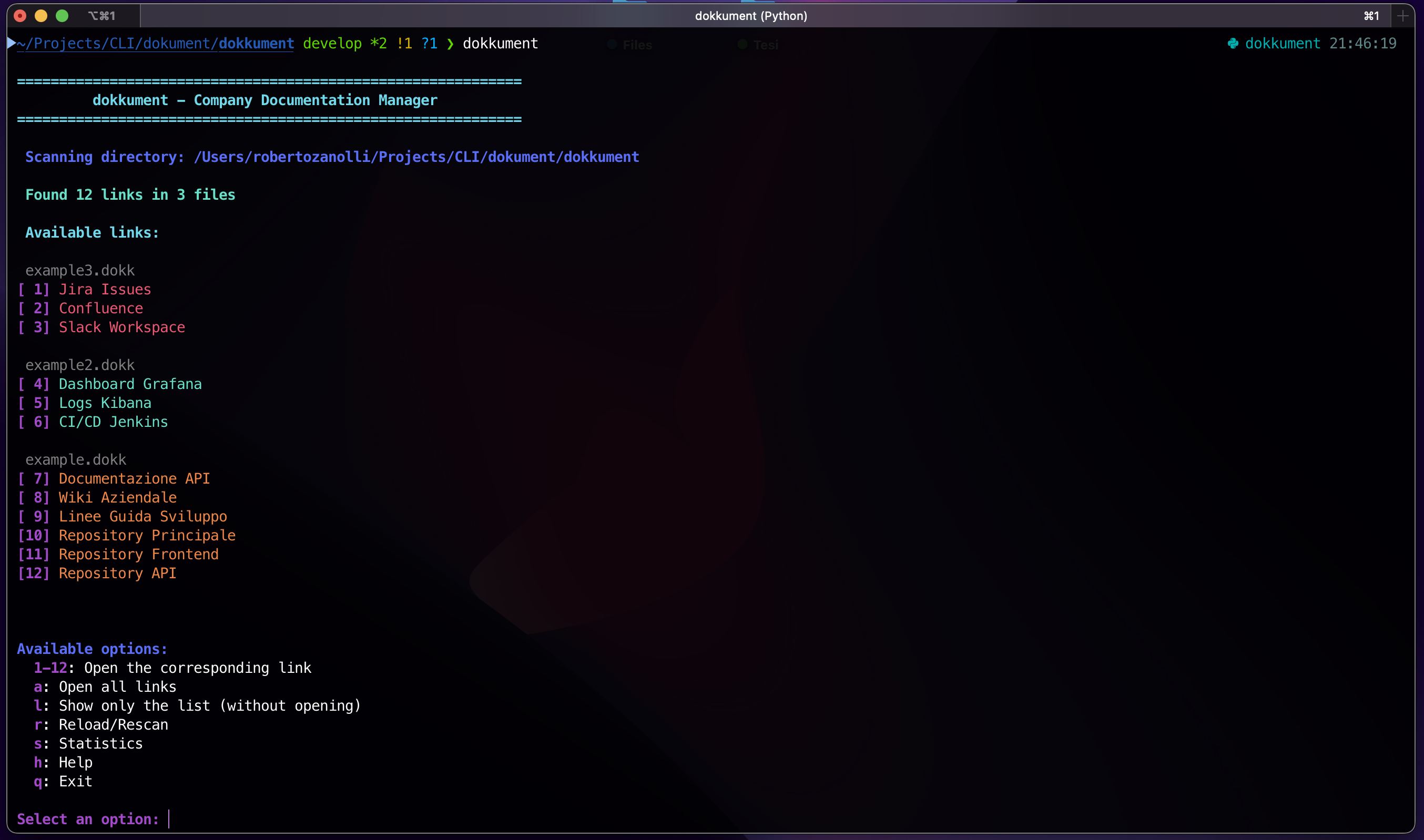
dokkument is a cli tool born from frustration — constantly switching between my terminal and browser to look up documentation, api references, and project links. i wanted a faster way, a way that kept me in the flow of development.
the solution was simple: create a lightweight command-line tool that uses human-readable .dokk files to store your most important links. with a single command, you can open any resource directly from your terminal. no context switching, no breaking your workflow. just pure productivity.
// preview
// how it works
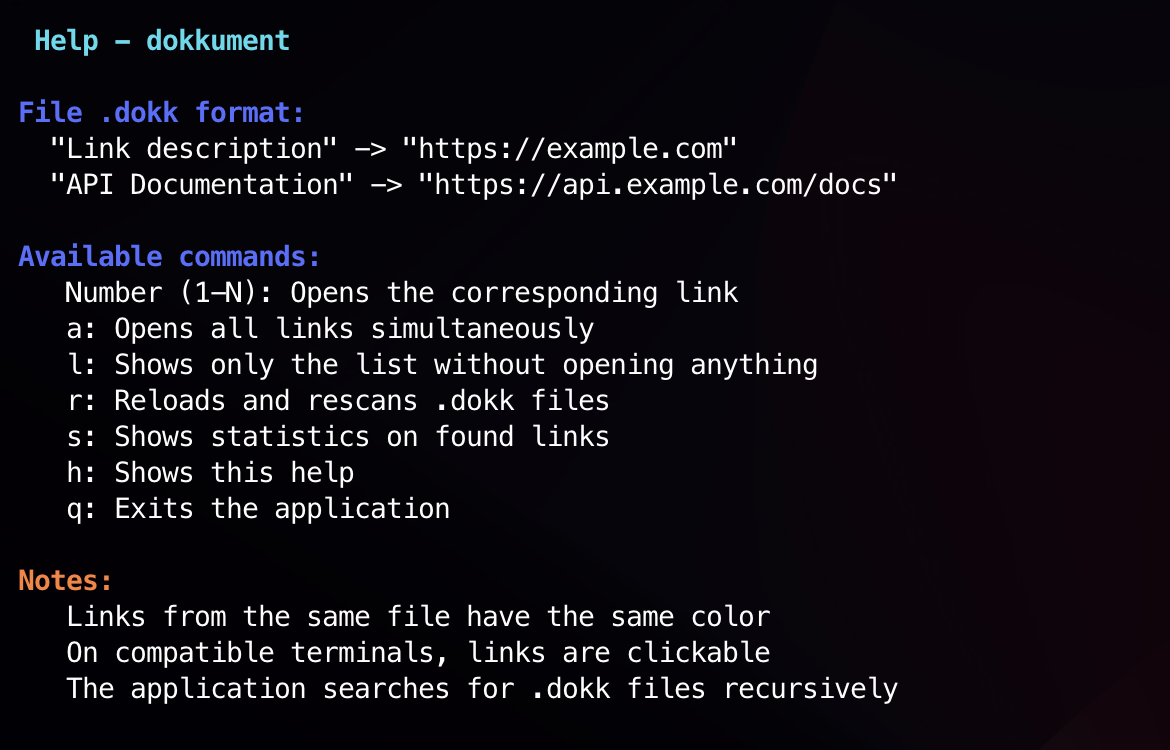
# === my project links ===
"documentation" -> "https://docs.example.com"
"api reference" -> "https://api.example.com"
"dashboard" -> "https://dashboard.example.com"
place the .dokk file in your project directory. run dokkument to see all available links.
// features
fast access
open any documentation or link with a single command. no typing long urls or searching through bookmarks.
simple format
.dokk files use a clean, readable key-value format. edit them with any text editor, version control with git.
project-based
each project can have its own .dokk file. the tool automatically finds and uses the file in your current directory.
zero dependencies
built with python, requires no external services or databases. works offline, keeps your links private.
// installation
via pip
pip install dokkument// status
dokkument is published and available on pypi. it's a stable tool that i use daily in my own development workflow. contributions, issues, and feedback are welcome on the github repository.